
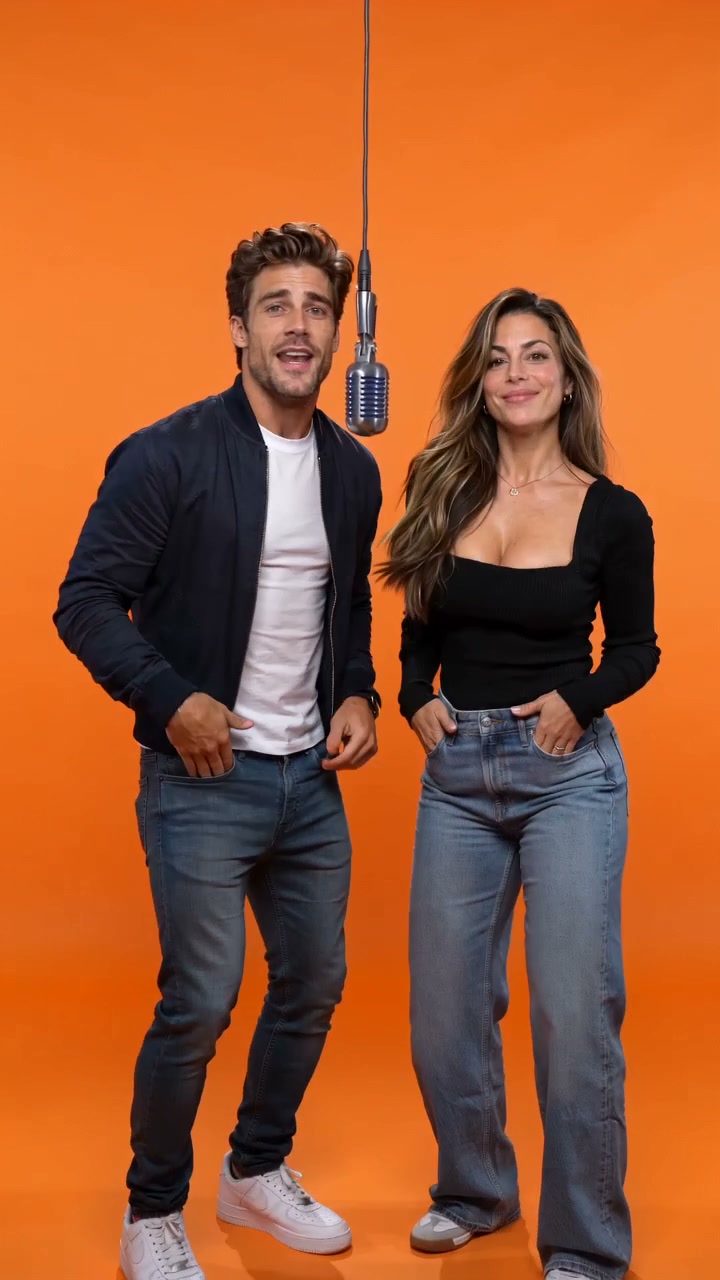
Orange Booth / Hotel Lobby AI
Warm orange walls and a hanging mic. An intimate booth performance.
Put yourself and a friend on stage. Add one shared photo or two portraits, choose a setting, and make the rap your own.
Preparing a draft is free. Generation uses paid credits, with the server quote shown before confirmation.
Add a solo portrait, two separate portraits or one shared photo.
Alex and Jamie trade short lines, starting from two separate portraits.
AI-generated examples. Your results will vary.
Both performers hold a finger near the face for much of the clip; movement is limited. Offline analysis estimates roughly 120–160 ms offset in the leading sections, so lip sync is not exact. Vosk truncates “bright” and additionally reports “it’s just” near the end, while Whisper does not. Compare the original audio; neither decoder proves word-for-word accuracy. This is one English / Orange Booth / Fast / 720p / 10s retry.
Complete generated video →Orange Booth, a duo with a friend, a solo verse or a birthday shout-out. Start with an existing setup.
Warm orange walls and a hanging mic. An intimate booth performance.
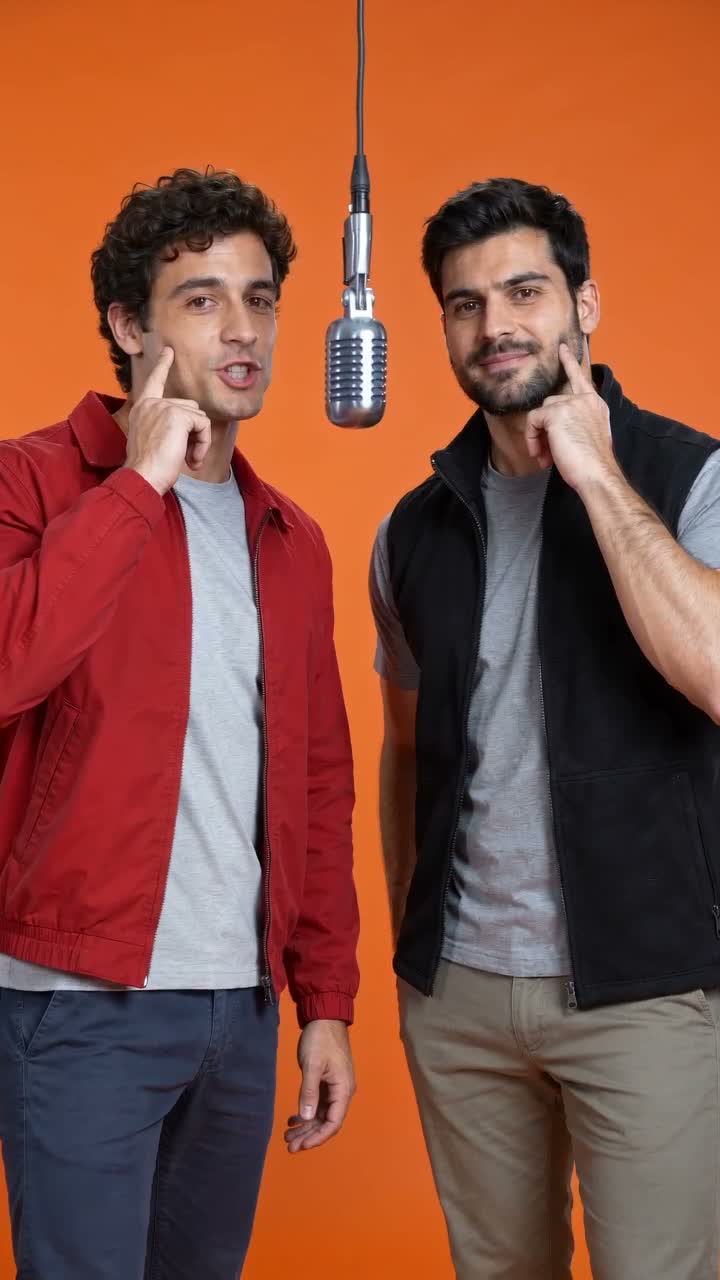
Two performers sharing the stage. An existing recording from the orange booth.
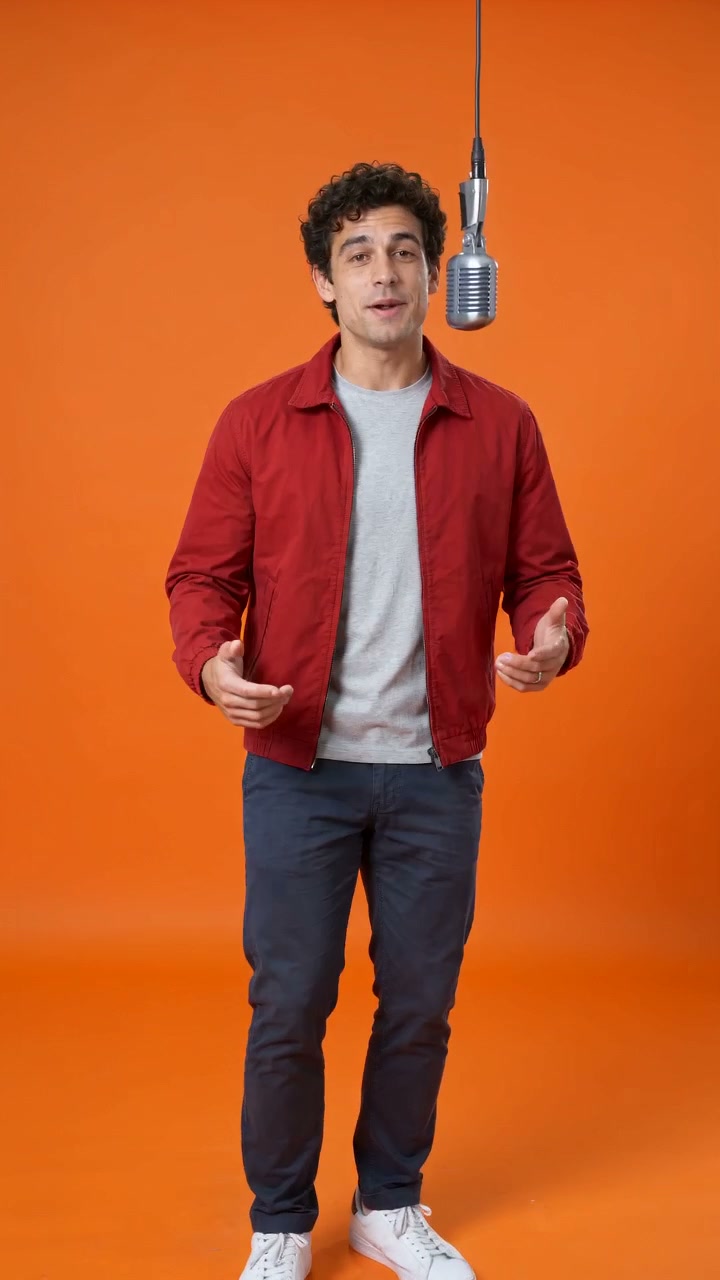
Write a short birthday wish with their name, a shared memory or a gentle roast.
Use one shared photo or separate portraits of up to two performers.
Choose a stage and add a topic or your own words. Advanced references stay optional.
Check your photos, settings and actual server credit quote before confirming a paid generation.
Rap Video Studio turns portrait photos and a topic or lyrics into short AI rap performances. It supports solo and duo setups with private video results. Generations use paid credits; the studio checks availability and quotes the selected settings. Existing recordings show examples, and each new result can vary.
Choose a one-time pack or an optional recurring plan. Use the configuration quote below to calculate complete videos and remaining credits. All prices are in US dollars (USD).
One first-purchase offer per verified account, for one-time credit packs only. It cannot be combined with subscriptions, video unlocks or another offer. A refund does not restore eligibility.
Sign in to check first-purchase eligibility.Seedance 2.0 Fast · Credit cost varies with your settings. Check the quote before creating a video.
Credit cost varies with your settings. Check the quote before creating a video.
Credit cost varies with your settings. Check the quote before creating a video.
Credit cost varies with your settings. Check the quote before creating a video.
One-time purchase. No automatic renewal; purchased pack credits do not expire.
Model, duration, resolution and reference inputs determine the actual server quote. Use the calculator for your selected settings before buying credits.
Confirmed failures return their credits. If a task needs checking, credits are held until its outcome is confirmed.
Download completed videos you want to keep. File storage is temporary; a permanent archive is not guaranteed.
AI output may vary in faces, movement and audio. A completed video can contain imperfections; review it before sharing.
Use clear, well-lit photos with faces visible. JPG, PNG, WebP and HEIC still photos are accepted, up to 20 MB each and at least 320 pixels on each side. Use your own photos or get permission from everyone pictured.
You can request alternating leads or one lead with a partner, and assign short lyrics to each side. Both parts share one clip’s time. Words, voices and turn order can vary, so check the complete result.
You do not need to supply lyrics or music. Add your photos and a topic; with generated audio, the model creates a short verse, vocals and a beat. You can also choose your own lyrics. Names and pronunciation notes are optional. Keep the words within the selected duration; exact wording, pronunciation and lip sync can vary. Use lyrics you have permission to use.
You can trim a 2–15 second recording locally and upload it privately as a reference. We have not yet verified that the final video keeps the original sound or matches its lip movements reliably. Check availability in the studio before submitting.
The editor offers 5, 8, 10, 12 or 15 seconds and portrait (9:16), landscape (16:9) or square (1:1) framing. Fast supports 480p and 720p; the other listed models also offer 1080p. The studio checks availability and the credit quote for your settings. Higher resolution does not guarantee better likeness or lip sync, and configurations without reviewed examples still need output review.
Generation time varies; we do not promise a fixed wait. Once the studio confirms a submitted task, processing runs on the server. You can close the page and return to My videos in the same account. If you are unsure the task was accepted, check My videos before submitting again. Refreshing status does not create another video or spend credits. A task marked for review needs its outcome checked; contact support with its ID rather than repeatedly submitting.
Likeness, anatomy, wording, pronunciation and mouth timing can vary. Clear photos help provide a usable reference but do not guarantee a perfect face or precise lip sync. Duo role and lyric assignments are requests, not a guarantee of exact voice separation or turn-taking. Watch the full result with sound before sharing; higher resolution alone does not establish performance quality.
Completed videos with full-file access can be downloaded as MP4 from My videos. Videos made with credits include that access; there is no separate download charge for those videos. An existing private preview may require a separate unlock, which purchases access to that file rather than generating a new video. Download before the file expires. We do not promise watermark-free output for unreviewed model settings.
Check your rights to the photos, lyrics, recordings and people shown before publishing. Review faces, words and audio in the finished clip. AI output is not guaranteed unique or cleared for every commercial use; read the terms and content policy. Buying credits or downloading a clip does not guarantee a platform will accept or monetize it.
Each video uses the credit quote for its settings. One-time packs do not renew and purchased pack credits do not expire. Optional plans renew until canceled; monthly allowances expire at the end of their allowance month. Annual plans charge upfront and release credits monthly. Cancel future renewal in Billing while retaining the paid period. Where offered, eligible verified accounts get 20% off one qualifying one-time pack; subscriptions and unlocks are excluded, and refunds do not restore eligibility. See pricing for full amounts and conditions.
You can browse examples, prepare a draft and use the name, lyric and audio tools for free. Creating a personalized AI video requires credits; there is no free personalized video preview, and new accounts start with zero generation credits.
A confirmed final failure returns generation credits. An uncertain task stays under review before a retry. Payment refunds are separate: eligible unused paid pack credits may qualify for a proportional refund within 14 days. A finished result you dislike does not automatically qualify for a refund or free remake; see the refund policy.
Your library is private. Submitting a video sends the required inputs to the generation provider; uploaded references expire after 24 hours, while active tasks can delay their removal. Download finished MP4s before their own expiry. Share links expose the finished clip, not raw inputs; recipients can copy it. Revoke links to stop future access, not copies already saved. “Start a new draft” clears this browser’s draft; “Delete video” removes a finished video separately. Neither action promises erasure of a provider’s separate records. See the photo guide and privacy policy for storage and deletion details.
Sign in to the account used for checkout and check Payments and Credits. A payment-provider receipt alone does not establish that your website order and balance have updated. Do not pay again just to resolve an uncertain order. If the order or credits are still missing, open a private support ticket with the order ID if available, approximate payment time and what you see. Use Contact if you cannot sign in. Never send passwords, verification codes or card details. We do not promise a fixed payment-resolution or refund-arrival time.