
How to turn two separate photos into a rap duet video
Bring two people into a short rap: arrange the photos, choose roles and give each person a line.
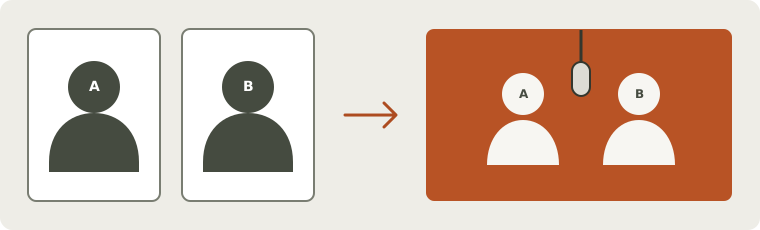
What you need for a two-person rap
You and your friend do not need to film in the same room. Bring a clear portrait of each person or one shared photo, then choose one short idea: a birthday wish, a shared memory or a joke you both enjoy.
Use photos with permission. Follow the steps below to arrange the people and their lines, or start with the photo guide if you need help choosing the pictures.
Add the two photos and check the positions
For separate portraits, place one performer in each file. Photo 1 maps to the left performer; photo 2 maps to the right. Use reasonably similar camera height and keep each mouth visible. The browser checks people, cats and dogs automatically, up to two performers. A crowded or uncertain input may need replacing.
You can also use one clear shared photo, keeping the source left-to-right order. Make sure both faces are visible and check the detected subjects. The photo guide helps with cropping and unclear inputs.
Choose an exchange or one lead with a partner
Alternating leads asks the pair to exchange short lines. One lead with a partner asks one side to deliver the verse while the other moves and reacts. Those are different creative directions: two people on screen does not mean both are leading.
With a shared verse, successive short lines can guide the exchange. With assigned lyrics, each side receives different words. Swapping separate portraits also swaps their names, assigned text and lead position. After a swap or delivery change, read the final wording again. If you switch to one shared verse, check how the existing parts were combined.
Give each person room for a short reply
Start with one brief line each. Both people share the clip’s duration, with an input limit of three counted words per second across the whole verse. Leave room for a pause, a name and the musical ending.
For example: “You bring the jokes, I bring the beat,” followed by “Two old friends, one brand-new seat.” These are editable text ideas. Put names into the words you want sung and add pronunciation notes if useful. The lyrics guide helps with the counter; final wording and pronunciation may vary.
Review settings and cost before submitting
Pick the scene and check model, duration, resolution and frame shape. The server quotes the cost for those settings and reference inputs. A price is not an availability promise, and a saved draft does not reserve credits or start a video.
Choose original generated sound if you want the performance created from your topic or text. An existing recording is a separate reference workflow. It does not automatically support two independent voices or exact assignment of a recorded line to each person. Compare these choices in the topic, lyrics and audio guide.
Listen, watch and save your duo
Before submitting, check model, duration, resolution and the current credits. The studio shows whether your account can generate; saving a draft is free.
Play the completed video with sound. Enjoy the exchange, then listen to names and lyrics and watch who takes each part. Words and turns can vary. Save a copy before expiry, and use the quality guide if something needs attention. Prepare your duo or explore duet and battle ideas.
Real generated examples
Explore complete performances made with fictional adult references in the studio. Each video includes its original photos, words and settings.
Two portraits, two assigned lines
Input images
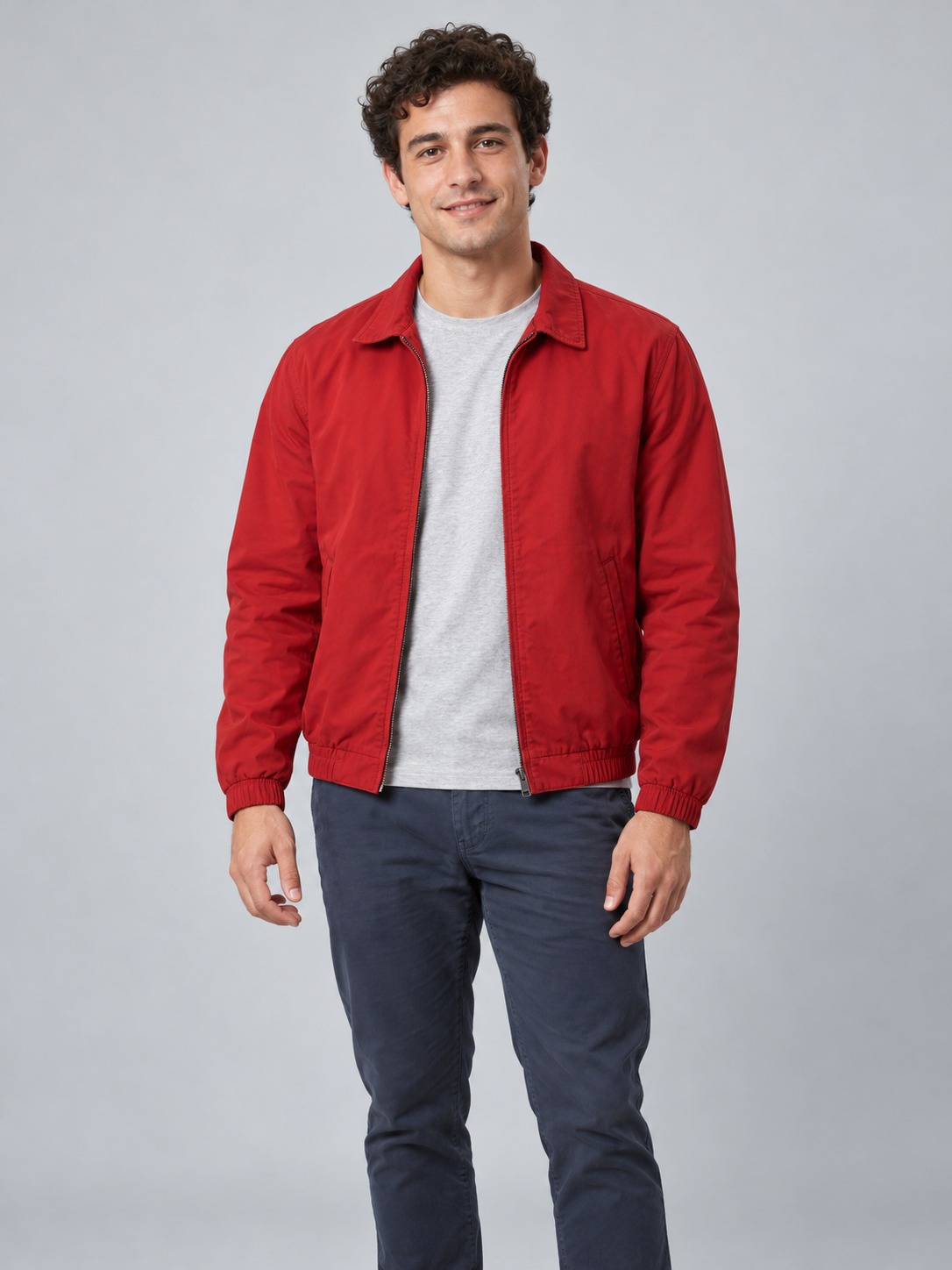
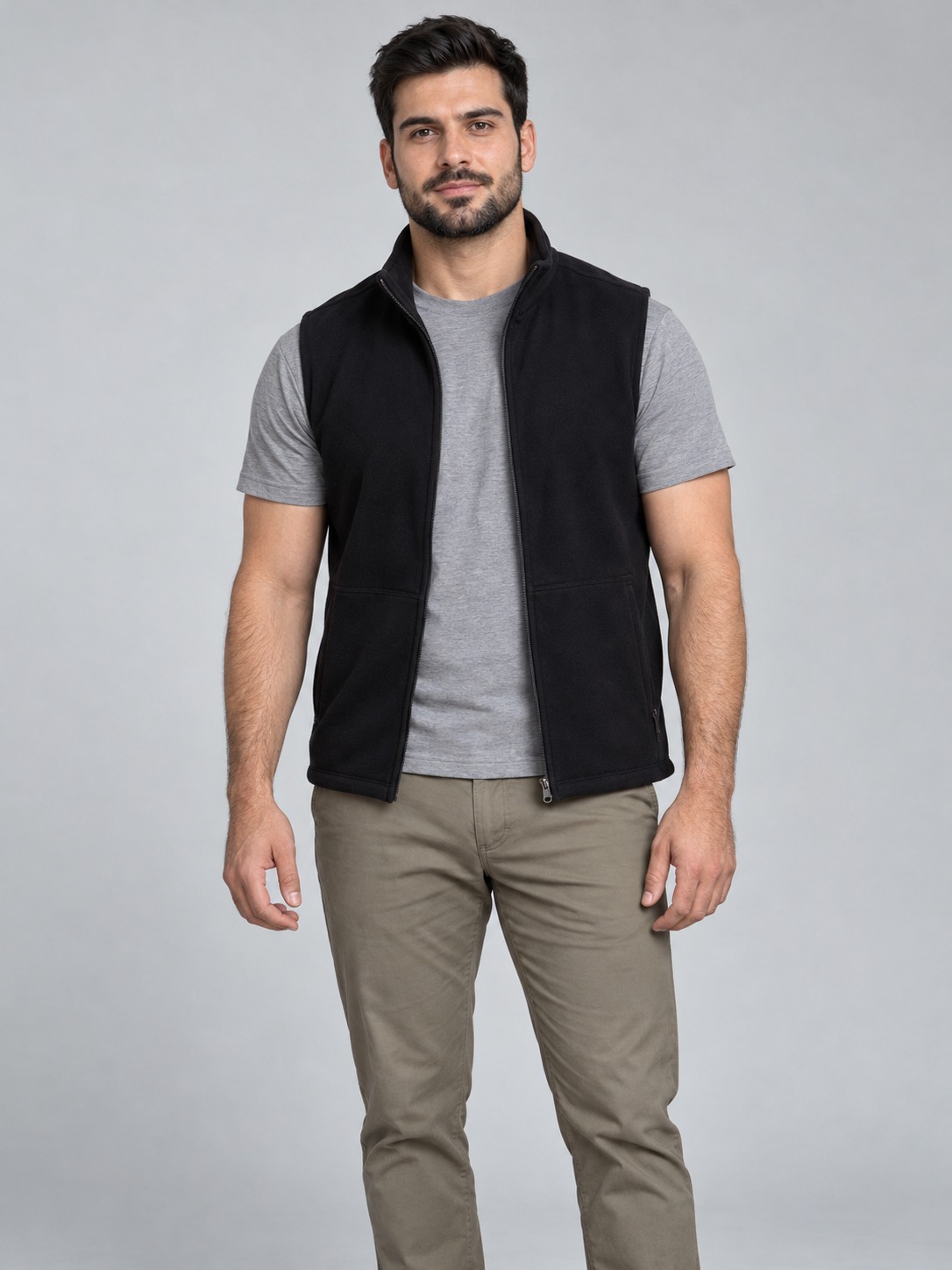
Original synthetic adult portrait references.
Requested English lyrics
Alex: Alex brings the rhythm, Jamie brings the light.
Jamie: Two good friends together, make the moment bright.
Complete generated video
- Generated
- Oct 26, 2026
- Recorded settings
- Seedance 2.0 Fast · 720p / 10s / 9:16 · English
- Complete generated video
- 720 × 1280 px · 10.08 s · H.264 / AAC
- Studio credits used
- 9
Performance notes and example scope
What was checked
- The selected retry uses two separate synthetic portraits and the same assigned lyrics as the first attempt. Both identities and their left/right order remain recognizable.
- The left performer mainly delivers the first complete line, followed by the right. Whisper recognized both supplied lines without the first attempt’s repeated phrase.
- Native playback, file specifications and basic audio–visual alignment were checked. This is a scoped demonstration, not an acceptance of all custom duo generations.
Limits of this example
- Both performers hold a finger near the face for much of the clip; movement is limited. Offline analysis estimates roughly 120–160 ms offset in the leading sections, so lip sync is not exact.
- Vosk truncates “bright” and additionally reports “it’s just” near the end, while Whisper does not. Compare the original audio; neither decoder proves word-for-word accuracy. This is one English / Orange Booth / Fast / 720p / 10s retry.
Offline English transcription
Alex brings the rhythm, Jamie brings the light Two good friends together make the moment bright
Automatic transcription can mishear words. Play the complete recording to compare.Two performers from one shared image
Input images
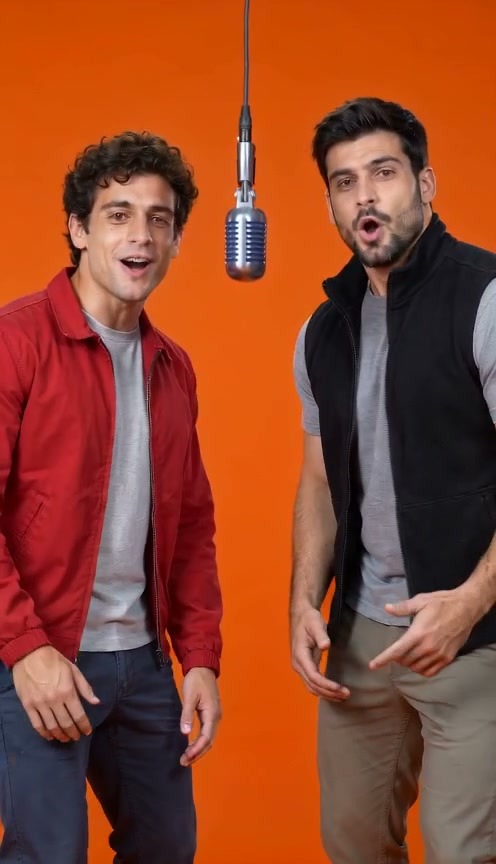
One complete frame from an earlier AI-generated video. This is a synthetic two-person image.
Requested English lyrics
Alex: Alex brings the rhythm, Jamie brings the light.
Jamie: Two good friends together, make the moment bright.
Complete generated video
- Generated
- Oct 26, 2026
- Recorded settings
- Seedance 2.0 Fast · 720p / 10s / 9:16 · English
- Complete generated video
- 720 × 1280 px · 10.08 s · H.264 / AAC
- Studio credits used
- 9
Performance notes and example scope
What was checked
- One actual submitted file contains both synthetic adults. Their left/right order and recognizable faces remain consistent in the inspected sequences.
- The left performer mainly leads the first line and the right mainly leads the second; basic offline alignment supports those sections.
- Whisper recognized the supplied words; Vosk heard “light” as “lie”. The full video played with sound and its browser download matches the stored original.
Limits of this example
- The source is a complete frame from an earlier AI video, not a camera group photo. This result does not validate every real photograph.
- Transcription disagreement and occasional mouth movement while reacting prevent a word-perfect or strict speaker-attribution claim. This is one English / Orange Booth / Fast / 720p / 10s result.
Offline English transcription
Alex brings the rhythm Jamie brings the light two good friends together make the moment bright
Automatic transcription can mishear words. Play the complete recording to compare.Questions before you start
Do my friend and I need matching backgrounds?
They do not have to match. Keep each face clear and compare the resulting identities; the selected stage creates a new setting.
Will the two people have independently controlled voices?
Assigned words and lead settings request roles. They do not create two guaranteed voice identities or clone the reference people’s voices.
Should I choose two portraits or one shared photo?
Use two portraits when you already have a clear photo of each person. A shared photo works for draft preparation when both are visible. Keep the intended left/right order and let both people share one short verse.